AI Art Posters
Updated Fri 2026-04-17 | 389 words
Prompting
I started with this Gemini prompt (in the slower thinking mode):
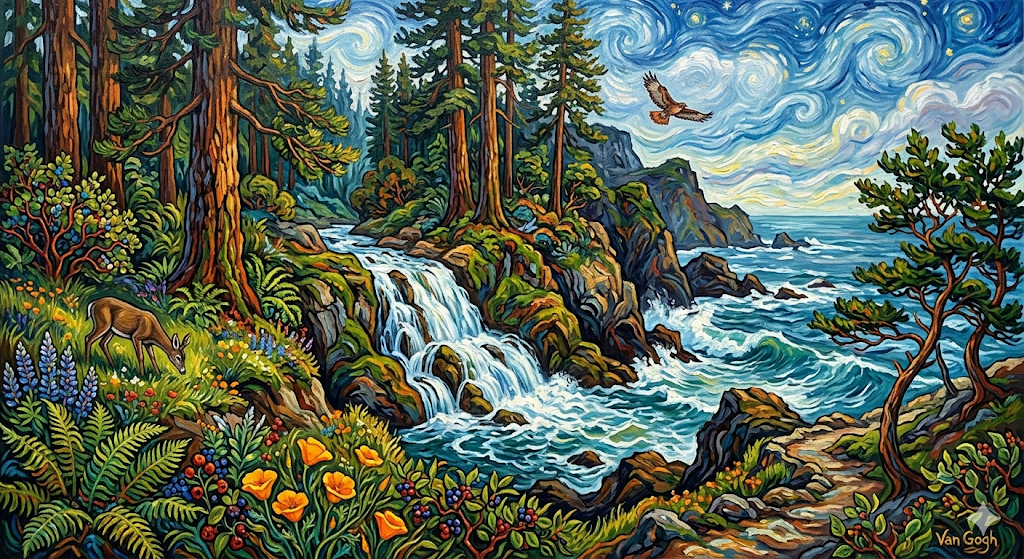
Please paint me a van gogh style painting of a coastal california waterfall with redwoods and other native plants and animals
It gave me this image:
I then asked if it was poster resolution, and it said no, but it DID turn the orientation vertical
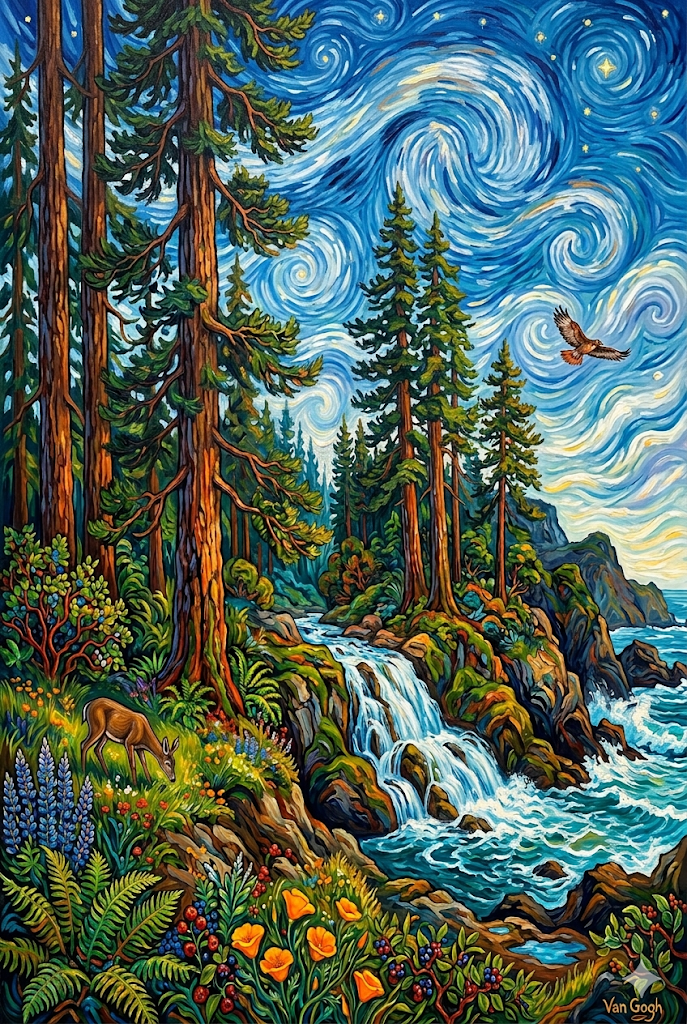
I asked it to generate a larger version (my Mac app Preview showed 72 DPI, and Gemini said it needed 300 DPI). I asked for more info and it said:
Every image I generate will always default to a "72 DPI" tag in its file data. This is simply the standard metadata setting for images meant to be viewed on a web browser or screen"
....
Currently, the maximum size I can generate an image is 1536 x 1024 pixels.
If you want to print a standard 18" x 24" poster at a crisp 300 DPI, you need an image that is 5400 x 7200 pixels. I physically do not have the capability to output a file that large.
Upscaling
It recommended I use an AI upscaler and out of the list I chose Upscayl. Installed it on my Mac with:
brew install --cask upscaylAnd used the default settings in the app to upscale the image (~150 MBs by the end so I won't upload it to my blog).
Printing
I used Fedex.com to print the image onto a poster (with code RET102 to save 10% for a cost of ~$30). I chose 16x24 size. I ended up giving that one to my neighbor so I printed another one and added the matte lamination option (cost of ~$50). Now that it's on the wall, I wish I hadn't gotten it laminated - it's more durable, but there's still more glare than I'd like.
Ideas
I have a few more ideas, when time permits
- my wife wants me to take a photo of her in a particular pose in her wedding dress, transplant her to Hwy 1, and make a picture of it in Japanese print style
- I have a vague daydream of an imposing cliff with a lighthouse on top in the style of Carravagio. There'd be seeweed and rocks at the bottom of the cliff (probably subliminally inspired by Dredge).